Creating a Home Assistant Token
Hassette connects to Home Assistant over the WebSocket API. To authenticate, it needs a long-lived access token — a static credential that you generate once and store in your .env file as HASSETTE__TOKEN.
Long-lived access tokens belong to your Home Assistant user account and grant the same permissions as that account. Create a dedicated token for Hassette so you can revoke it independently if needed.
Steps
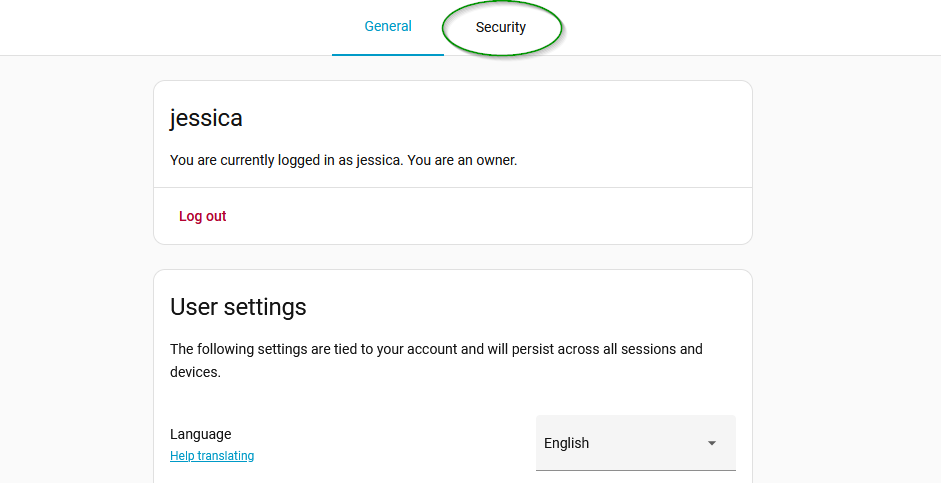
Go to the Profile page in your Home Assistant instance and click the "Security" tab.
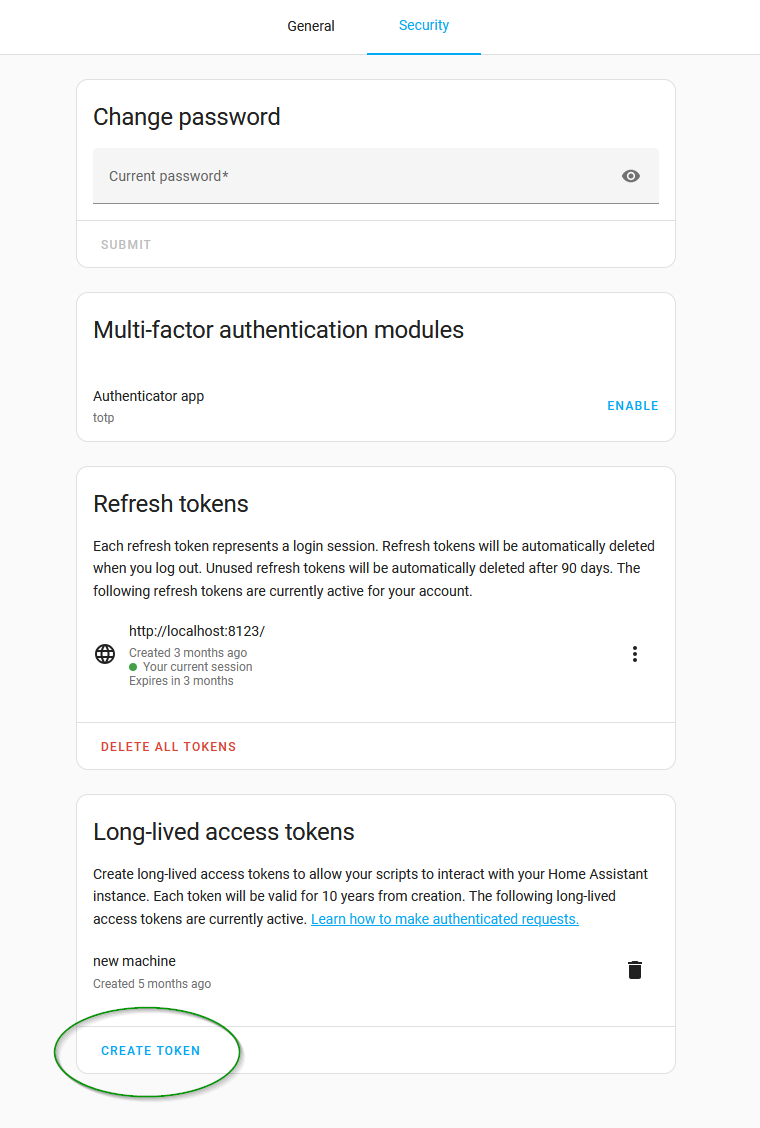
Scroll down to the "Long-Lived Access Tokens" section and click "Create Token".
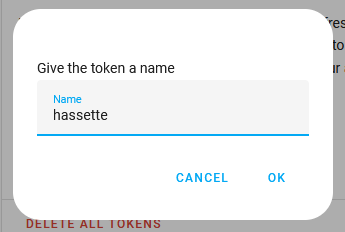
Enter a name for the token (e.g., "Hassette") and click "OK".
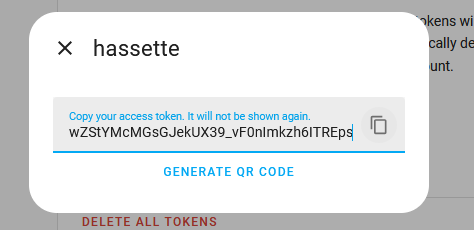
Copy the generated token and store it securely. You won't be able to see it again!
What to do with the token
Add it to config/.env:
HASSETTE__TOKEN=your_long_lived_access_token_here
The Quickstart guide covers the rest of the configuration.
Keep your token secret
The token has the same permissions as your Home Assistant user account. Never commit it to version control or share it publicly. If a token is exposed, revoke it immediately from the same Security tab and generate a new one.